CUSTOM PROJECTS
Built around your problem, not a product template
When a standard SaaS module does not fit, we build what does: from a working demo in hours to production software you own, on the same platform and domain knowledge that run our VPP across Europe.
Adaptable, modular, agile
Adaptability
Modularity
Agile approach
What we have already built
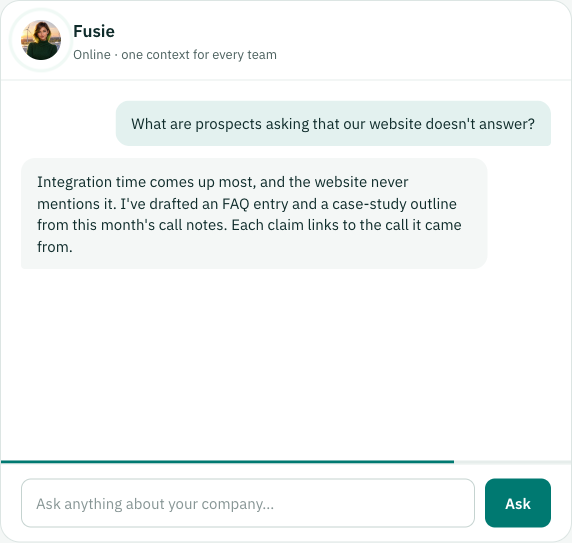
Fusie - an AI agent that knows energy flexibility
An AI agent that answers questions about energy markets and the Fusebox platform, grounded in our own documentation rather than the open internet. Live for anyone, and the same agent supports our own team.
What it does
- Grounded answers – retrieves from our knowledge base and answers from what it found
- Audience-aware – public visitors get public sources; staff also get internal ones
- Shareable – every conversation has a link, so an answer can be passed on as it was given
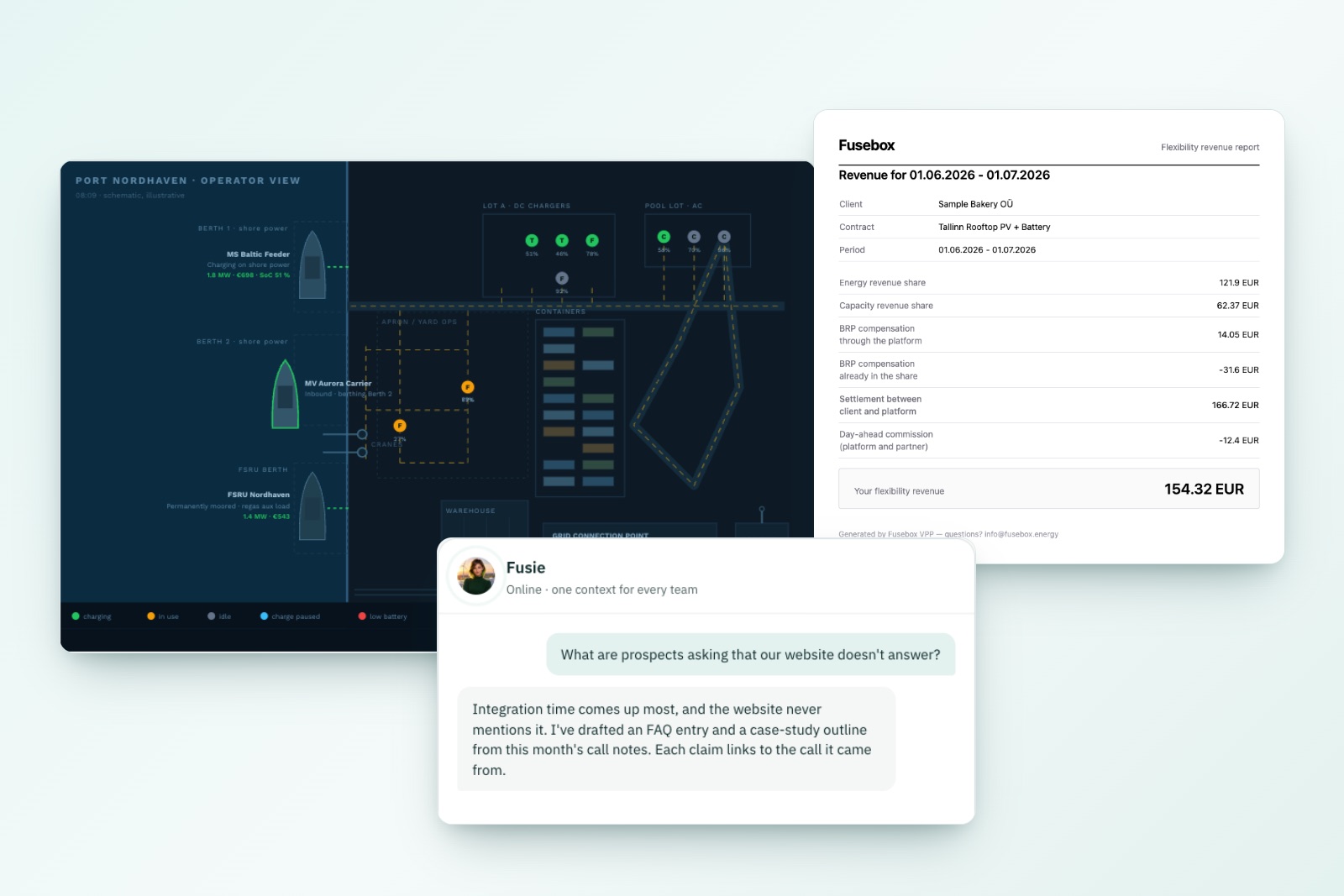
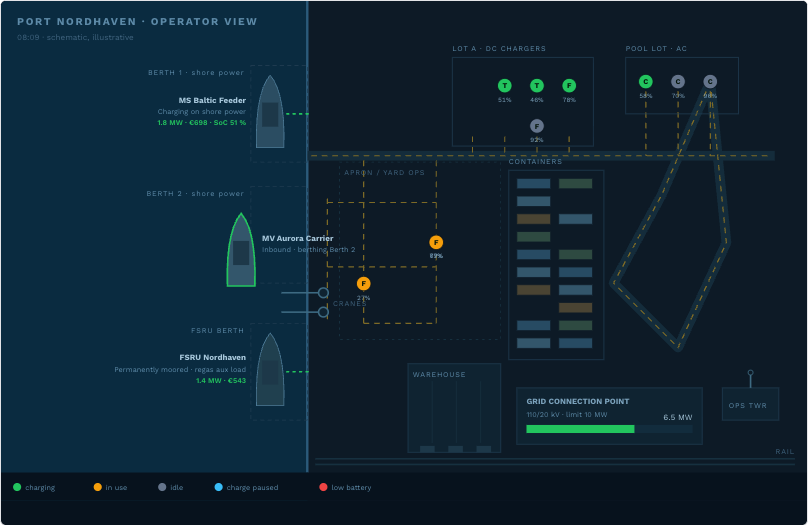
Port energy orchestration - a microgrid behind one grid connection
Ships on shore power, terminal tractors, forklifts and pool EVs, all competing for one limited grid connection. A concept demo on a simulated deep-water port, taken from conversation to working software in hours.
What it does
- Grid limit held – charging staggers automatically to keep the site under its connection point
- Shore power billed – every docked vessel runs its own energy bill as it charges
- Worker app – finds the nearest vehicle with enough charge and walks you to it
Invoicing optimization - one number from settlement to invoice
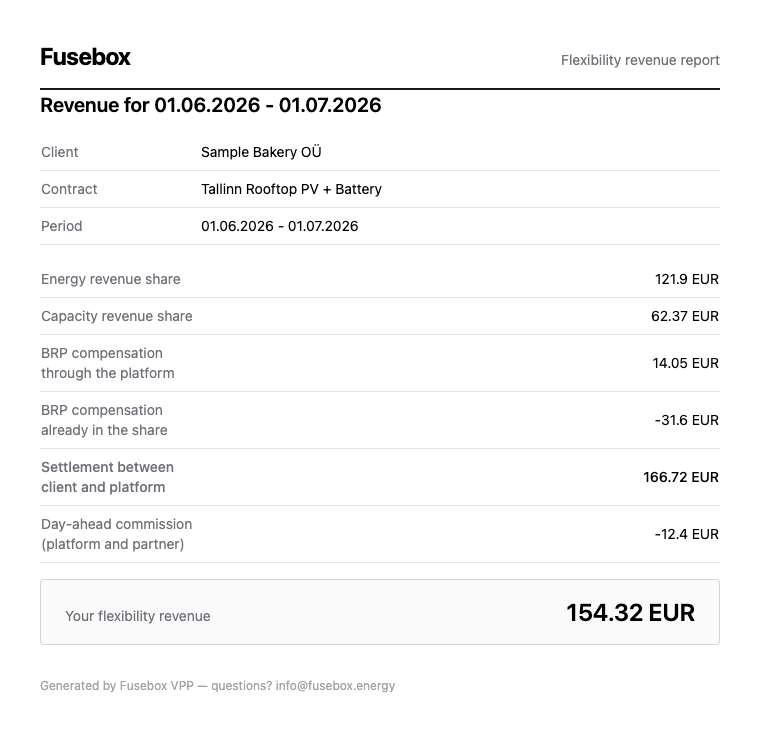
Monthly client reporting and invoicing, moved out of the core platform into a focused tool. What a client is paid is worked out once and carried through to every document that reaches them.
What it does
- Preview before export – the figures are on screen before any file is produced
- One amount – the detailed Excel and the summary PDF for a month state the same figure
- Checked against the TSO – delivery is reconciled with the TSO’s own settlement data
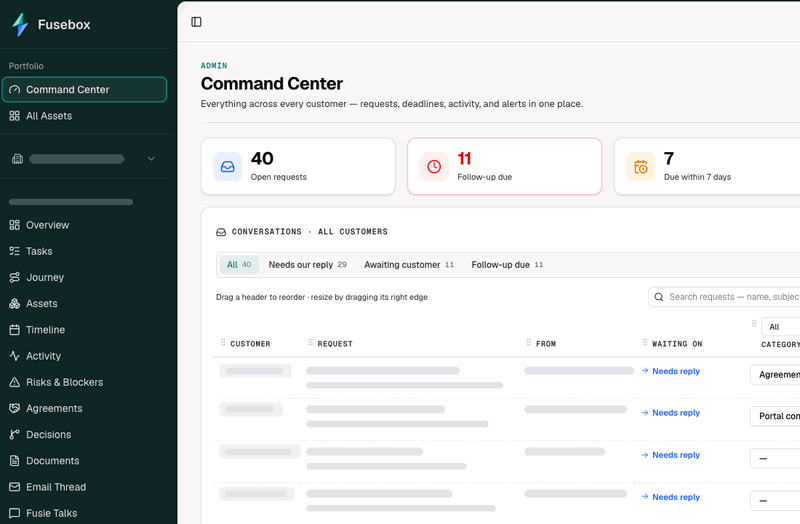
Journey - CRM, onboarding and client communication in one knowledge base
One system in place of a CRM, an onboarding tracker and a shared inbox. Every client’s roadmap and lifecycle, from first contract through onboarding to day-to-day operation, is kept in one knowledge base the whole team works from. Built in-house and used by our own team.
What it does
- Replaces the CRM – each client has one record holding its agreements, assets, decisions and documents, so nobody has to rebuild the history from emails
- Runs onboarding – reusable journey templates turn each client’s onboarding into tasks and deadlines, so everyone can see what is done and what is blocked
- Handles communication – client emails come into one inbox, sorted by who owes the next reply, with follow-ups flagged when they come due
- Keeps the roadmap visible – a timeline of activity, risks and blockers per client, and an overview of which clients are at risk
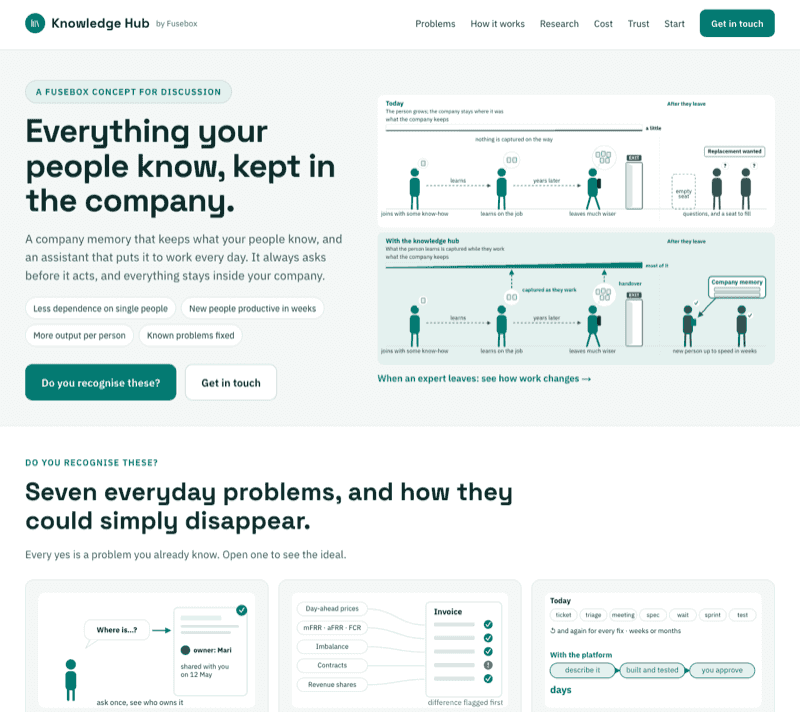
Knowledge Hub - everything your people know, kept in the company
A company memory that keeps what your people know, and an assistant that puts it to work every day. Built first for our own team, where it runs as Fusie, and now set up for other companies, each under its own name.
What it does
- Remembers – what people learn is captured while they work and in handovers, so it stays when they leave
- Answers – anyone asks in their own words and gets the same answer, with its source
- Helps fix – small tools for problems you already know are built beside your existing systems, and nothing is used until you approve it
- Stays yours – everything stays inside your company, and the assistant asks before it acts